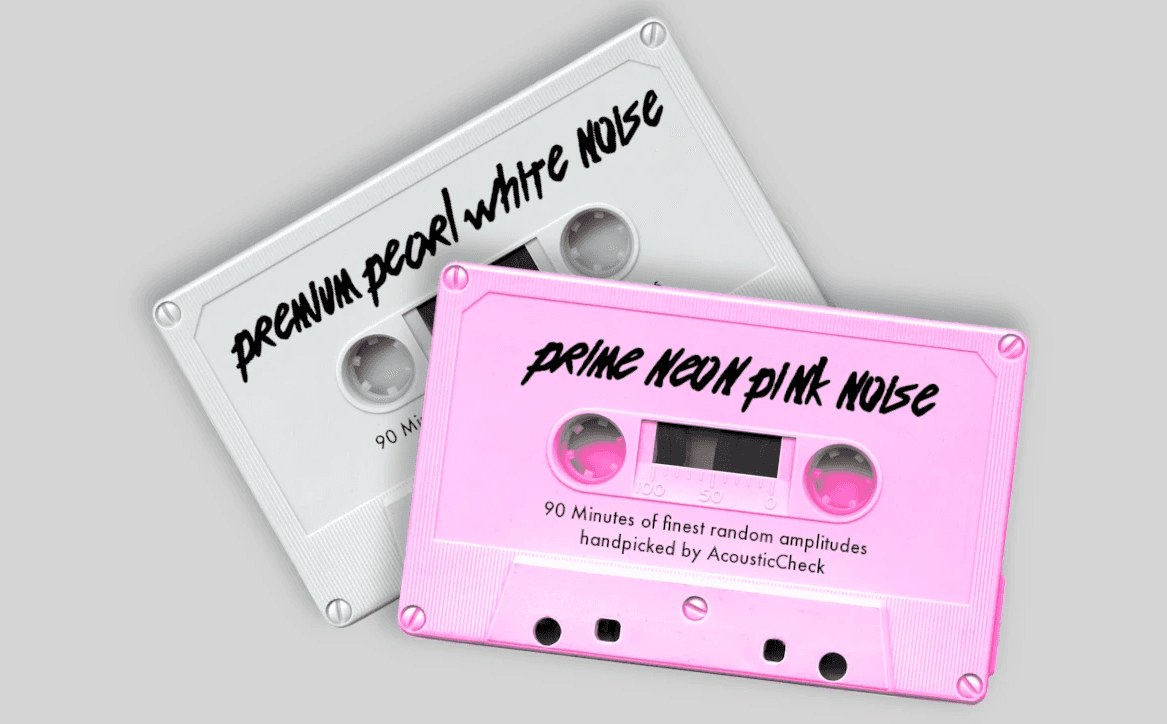
 News & Events
 Become part of 2000+ users
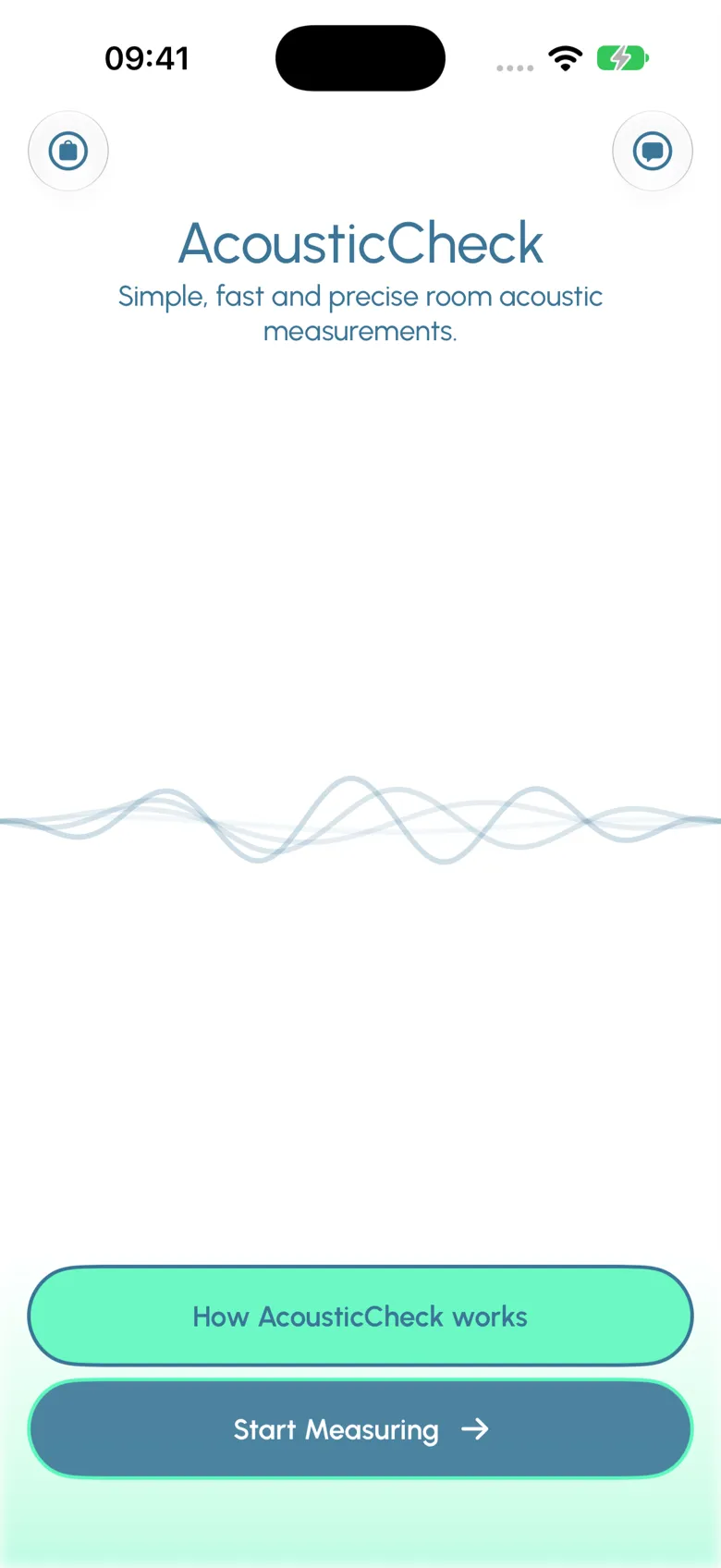
Measure reverberation time – simple, fast, precise.
With AcousticCheck the reverberation time of a room is measured easily, quickly and with high accuracy – even by people without a background in acoustics.
Features
What you get.
A quick look at six convenient features of AcousticCheck.
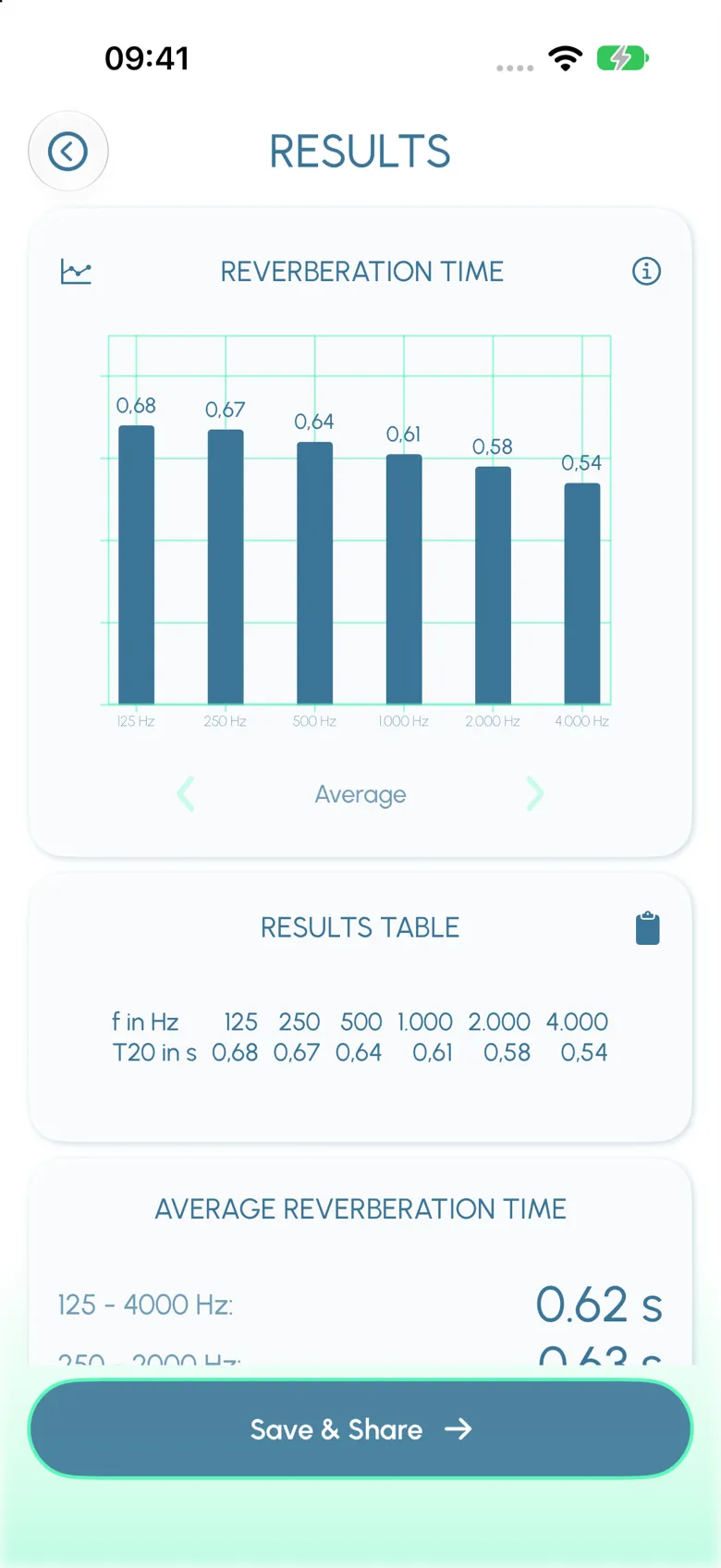
T20 reverberation time
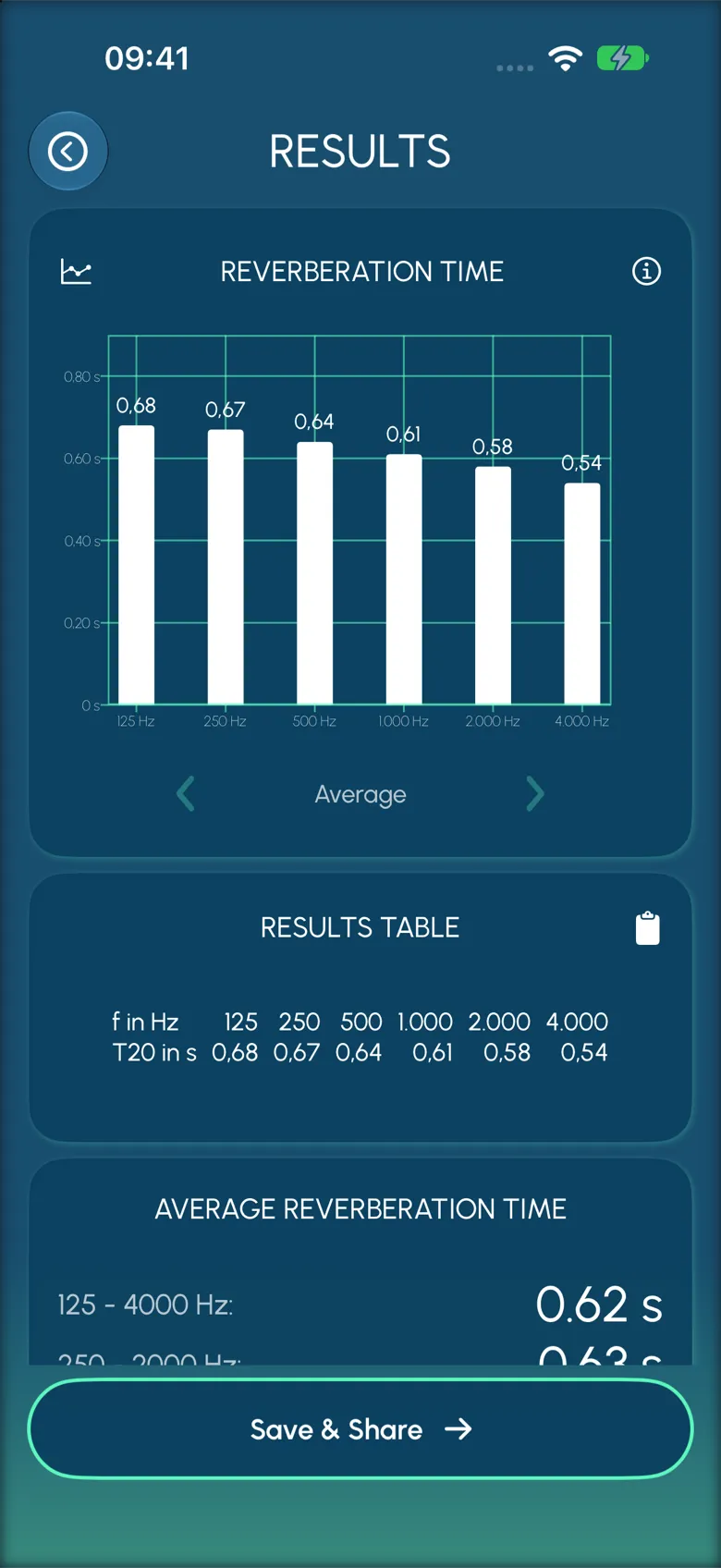
Reverberation time RT60 (extrapolated from T20), signal-to-noise ratio (SNR) and correlation coefficient r² (linearity check) are reported per band so you can check the quality of each measurement.
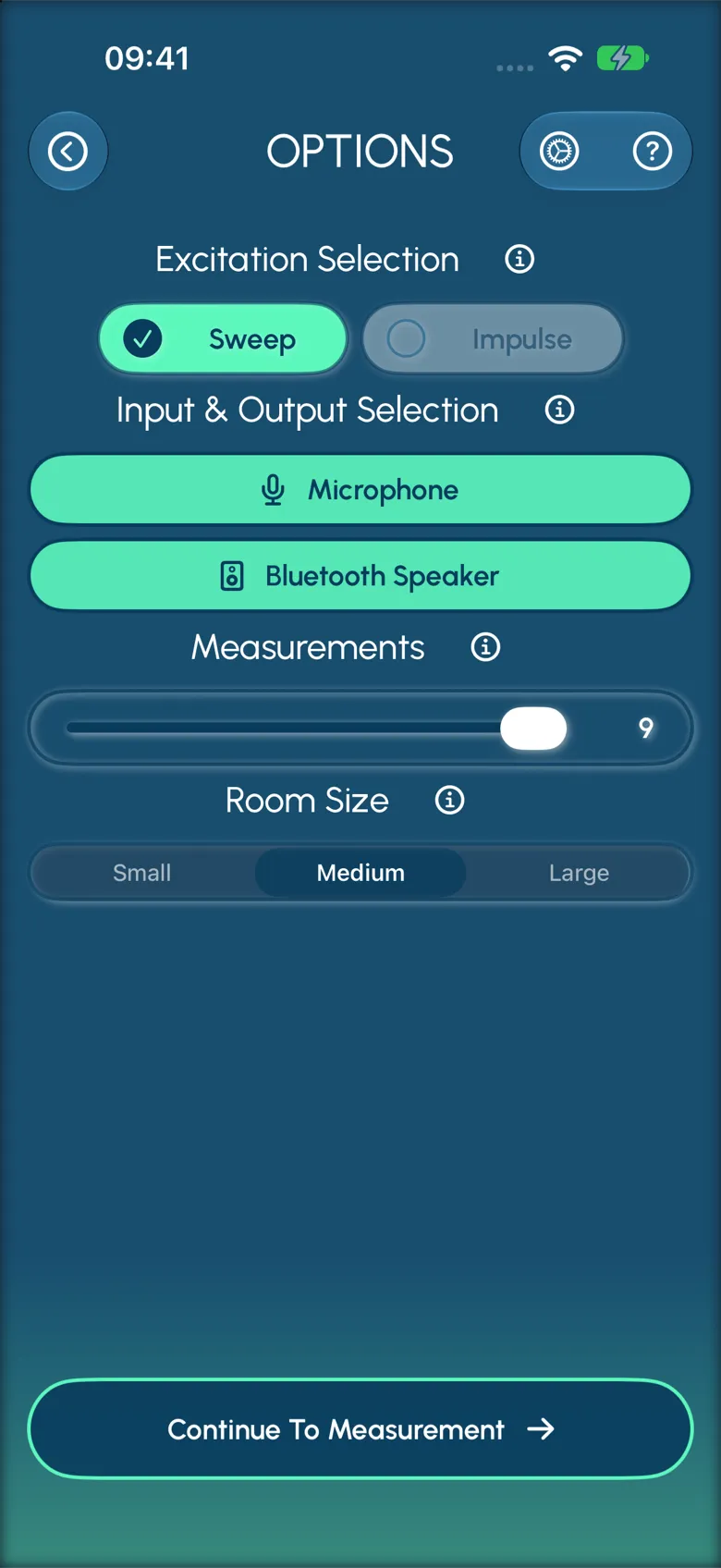
Sweep + impulse methods
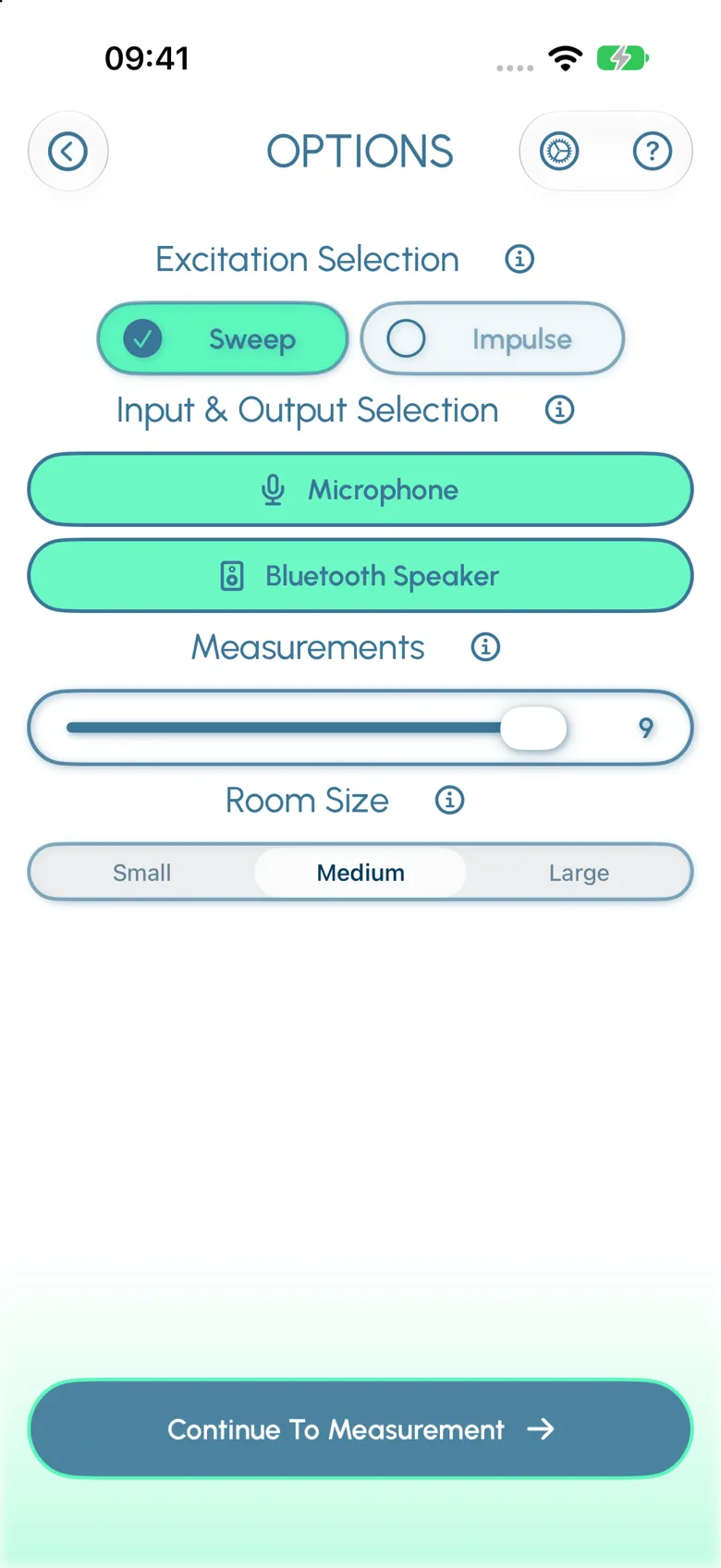
Choose a sine-sweep with a Bluetooth speaker for accurate results even in tougher acoustic environments, or a short clap-like impulse for fast, casual checks.
Octave bands and averages
Reverberation time is displayed per octave band from 125 Hz to 4 kHz, with averages over 125–4000 Hz and 250–2000 Hz. The CSV export carries every measurement and additional quality factors; impulse responses can be exported for further in-depth analysis.
.JPG, .WAV + .CSV export
A CSV with every frequency band, every quality factor, and the raw impulse responses for further analysis.
Internal and external microphone support
The internal iPhone microphone is calibrated for the supported devices. Tap to measure – external microphones can be connected, but are not required for most rooms.
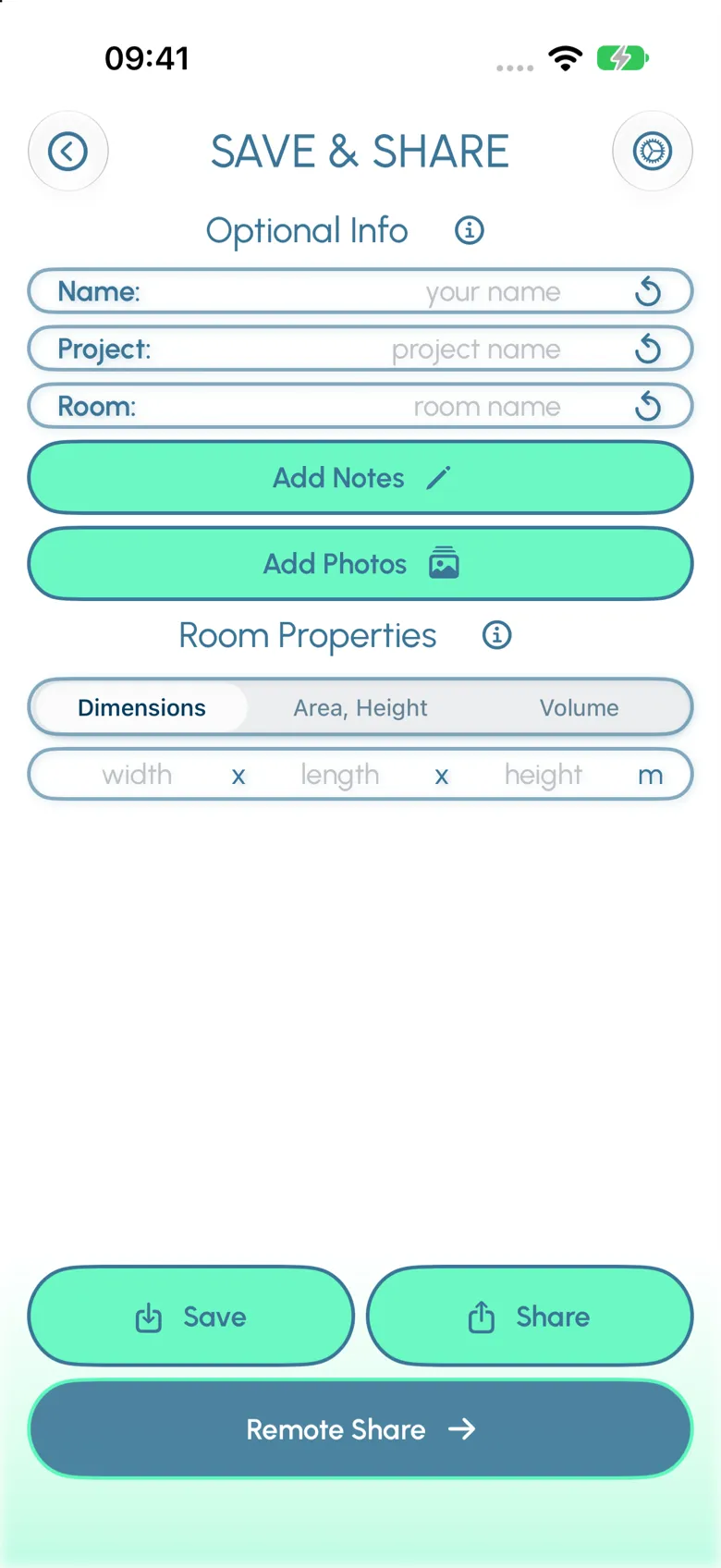
Save projects
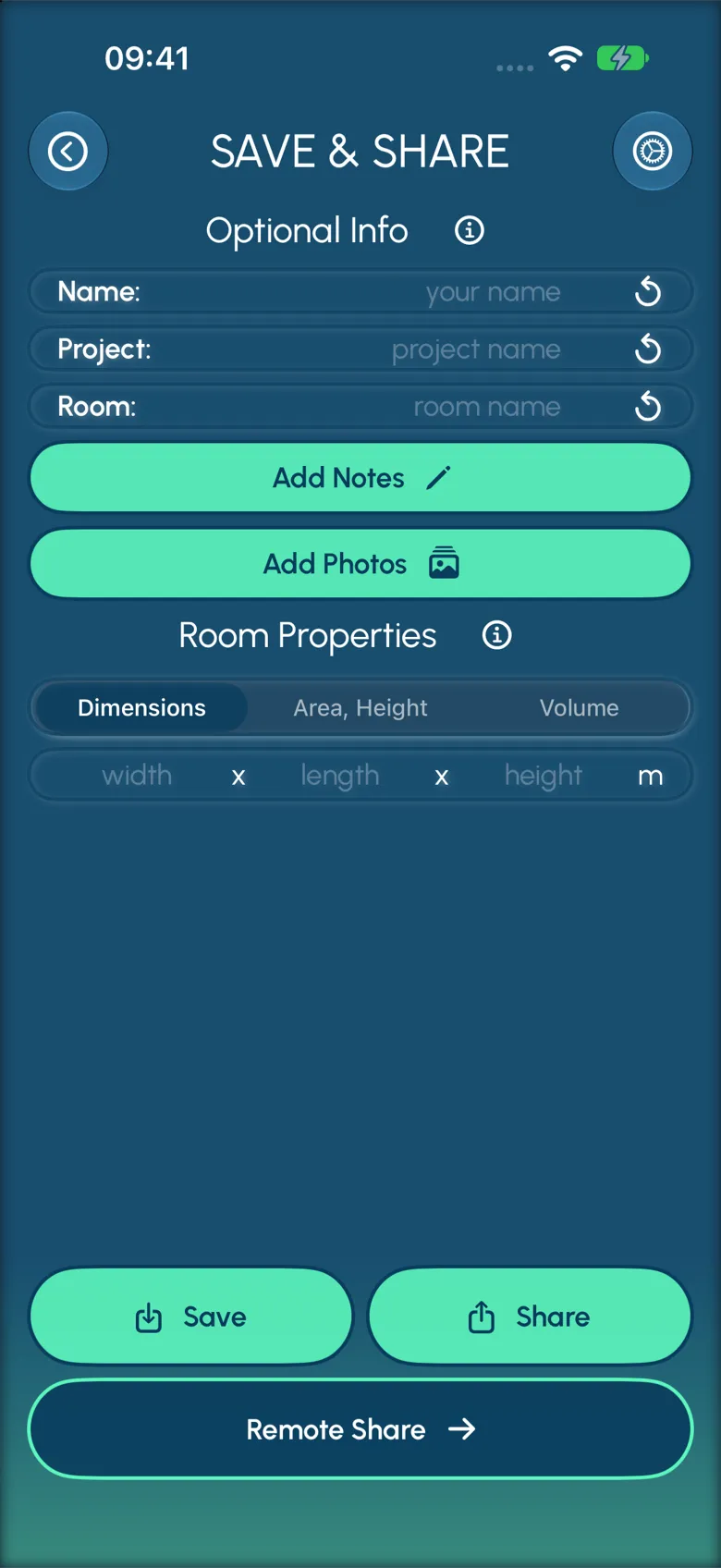
Save measurements locally, grouped by project and room. Everything that belongs together stays in one local folder, so you can add measurements before or after treatment.
14 days of Plus, free of charge.
Try the full octave-band results and the .CSV and .WAV export with no card on file. Leave your email and we’ll send you a personal code within 1–2 working days.
How AcousticCheck works
From download to result in under five minutes.
See how easily accurate reverberation time measurements can be obtained – from the first tap to results you can send.
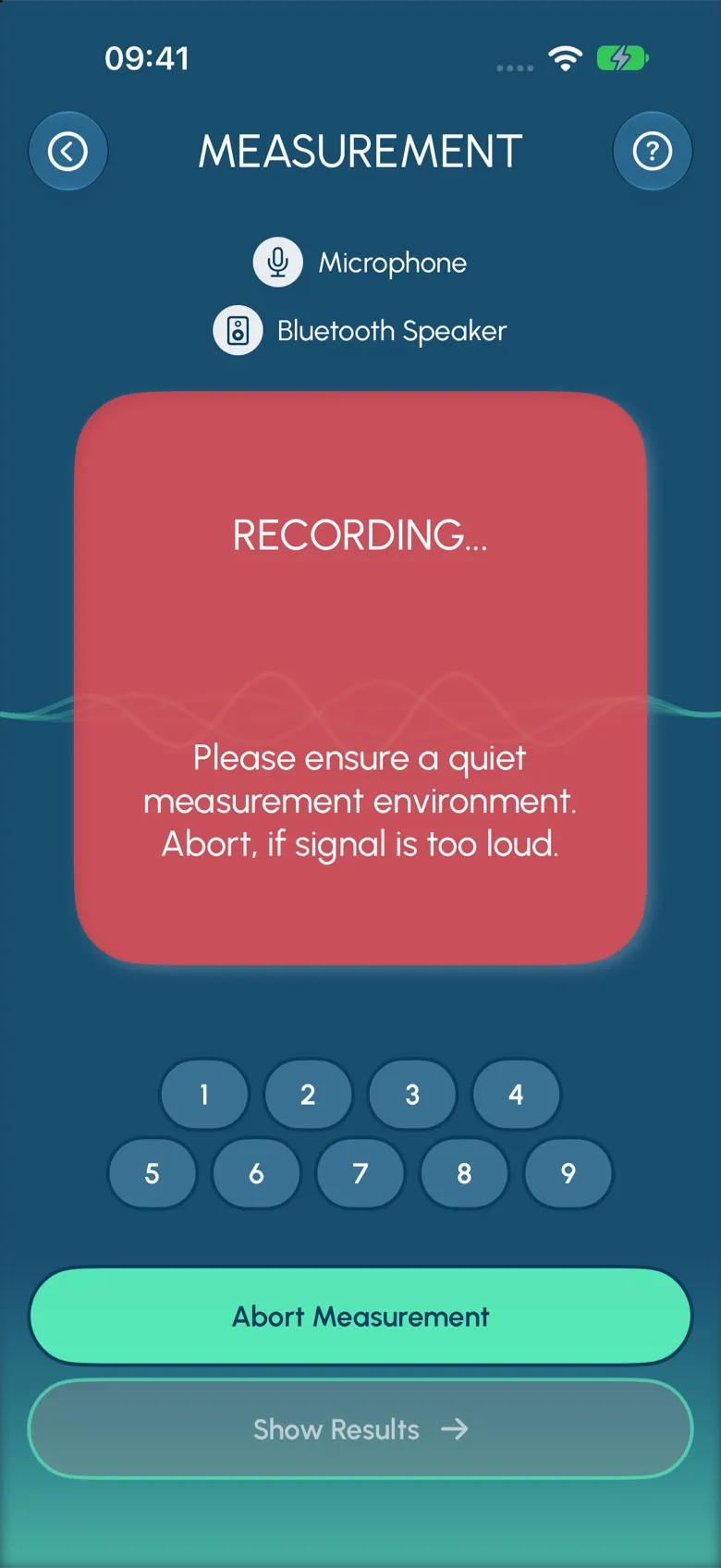
- Guided measurement, no acoustics background needed
- Accurate results in under five minutes
- Your phone and a speaker as the measurement kit
- Several ways to save and send the results
- 1
Download
Get AcousticCheck from the App Store. Get a 14-day free trial here – no card required.
- 2
Set up
Select your measurement method. Optionally connect a Bluetooth speaker for the sweep method.
- 3
Measure
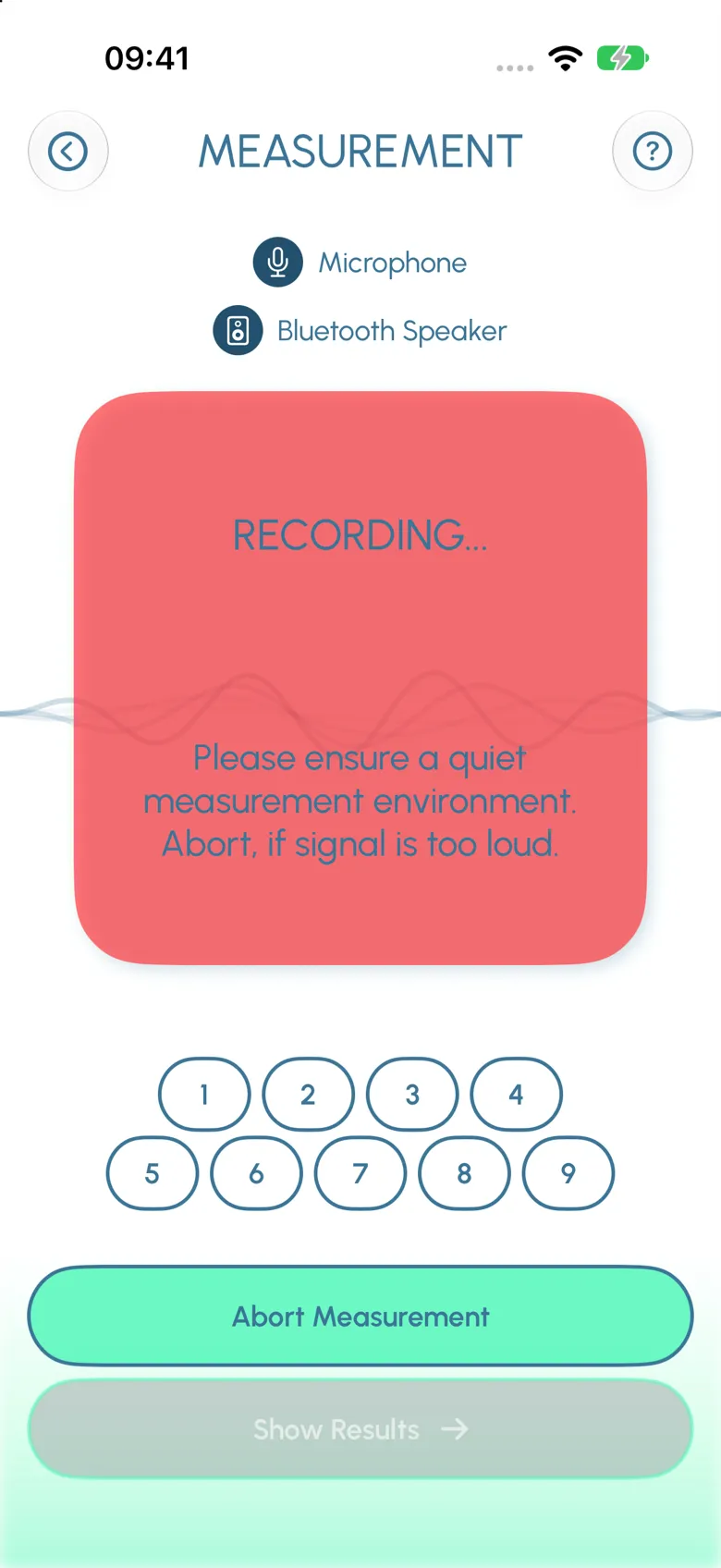
Tap to record. The impulse method waits for your impulse; the sweep method plays through your connected speaker.
- 4
Export
Chart and table for the client, .CSV for your spreadsheet. Room data and time stamp included.
Pricing
Our pricing plans.
Free for casual use. Plus for working acousticians. Enterprise for teams.
Free
€0forever
Fast, simple reverberation measurement, with email support.
- Sweep and impulse measurement
- Average reverberation time
- Email support
- Guided measurement with instructions
- Multiple measurements per run
Most popular
Plus
€16.58per month, billed yearly
Save 40%. 14-day free trial.
- Everything in Free
- Reverberation time in octave bands (125 Hz – 4 kHz)
- Detailed quality factors (SNR, r²) per band in the .CSV export
- Save and send results — attach photos and room data
- Extensive personal support by phone and email
Enterprise
On request
For organisations needing tailored features or training.
- Everything in Plus
- Additional features tailored to your organisation
- Remote measurement for your clients
- Training for your team
For professionals
Built with consultants, architects, and AV teams.
2000+
Users measuring rooms with AcousticCheck
< 5 min
From download to first result
125–4,000 Hz125–4k Hz
Octave-band resolution per measurement
Acoustic consultants
Measurements your clients can read.
Sweep and impulse methods, octave-band results in the app, and a .CSV export that carries the octave detail, quality factors and average values into your own analysis.
Architects & planners
Bring numbers to the acoustics conversation.
Measure the room as built, attach photos and room data, and send a result your client and your acoustician can both read.
AV & live-event
A spec sheet that survives the install.
Measure the empty room, the rigged room, and the room on the day. Save each run with its photos and room data so the file matches the space.
FAQ
The honest answers.
On the iPhone with its internal microphone, T20 is well within the tolerance of ISO 3382-2 in rooms with reverberation times between 0.4 and 5 seconds. The calculations are robust against ambient noise, and additional quality factors like the signal-to-noise ratio and the correlation coefficient are paired with each measurement to let acousticians decide for themselves how trustworthy the measurement is. For further investigation, the recorded impulse responses can be exported.
For laboratory-grade certification work, you still want a Class-1 instrument. For day-to-day acoustic measurement in studios, classrooms, offices, and small venues — AcousticCheck is an excellent tool that we use for our own consulting.
Almost none. The default workflow — place phone, tap to record, get a number — works for everyone. The more you know about acoustics, the more value you’ll get from the octave-band breakdown and the CSV detail, but the averaged numbers also give you an idea of the overall situation. The measurement process can be guided, and AcousticCheck uses built-in safeguards that try to allow only correctly acquired results.
Pros: it’s always with you. It’s ten times faster than rigging a bulky measurement system. The results can be shared in an instant after the measurement.
Cons: it’s an iPhone. In a 4,000-seat hall with a 3-second reverberant tail and lots of ambient noise, you won’t get far with the internal microphone. More hardware is needed and you need to carry more with you. It’s still more compact than most other devices.
Yes, currently iOS only. Ensuring the same accuracy across Android devices is a much bigger endeavour, because the range of hardware and software is far wider. We’d rather not ship a tool with inferior accuracy. It’s on the roadmap.
No. For most rooms the internal iPhone microphone is sufficient. For very large or very noisy rooms, or when capturing impulse responses below 100 Hz, an external microphone (connected by Lightning/USB-C adapter or a USB audio interface) can give a higher signal-to-noise ratio and even higher accuracy.
Depending on the loudness of the Bluetooth speaker, you can measure rooms with a floor area of up to about 300 m² with the sweep method. For bigger challenges, professional microphones and loudspeakers can be connected via a USB audio interface, allowing the same measurements as other professional measurement systems.
Blog
Hardware, expertise, news.
Long-form pieces from working acousticians, hardware tests, and the occasional release note. Filter by topic or read the latest.
News & Events 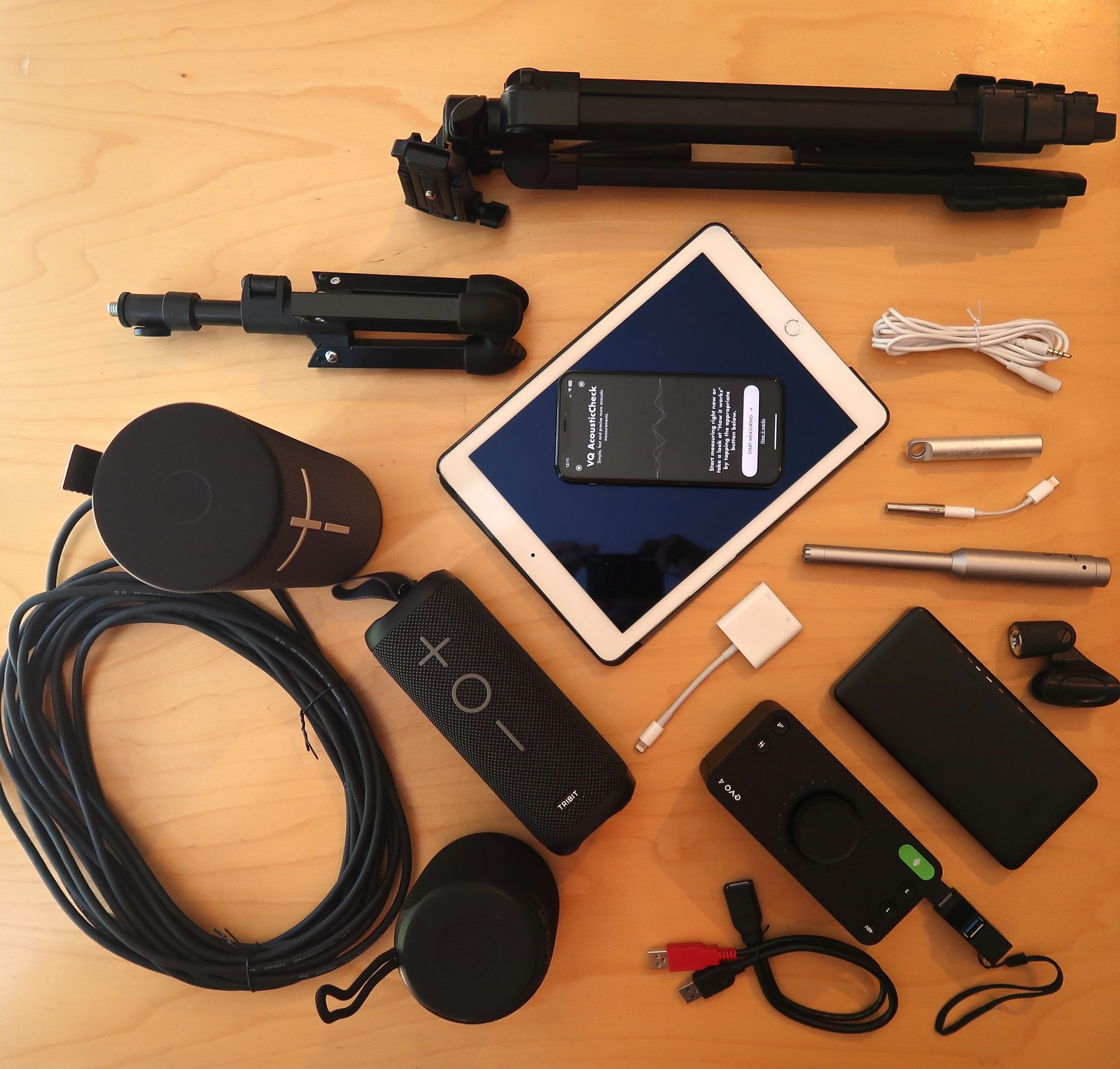 Hardware